
Page 01 of 01
WtH - Note 01: Let there be Image!

Game loading.....

Main Menu
Let's click on the Trophy Room to see what we have been given in the first place.

A set of cards from the 5th Edition is available for us to build upon. Card Spoiler lists the cards in the edition.

The cards that come with the game engine are text-based. By adding optionally images pack, cards can appear with graphical info.
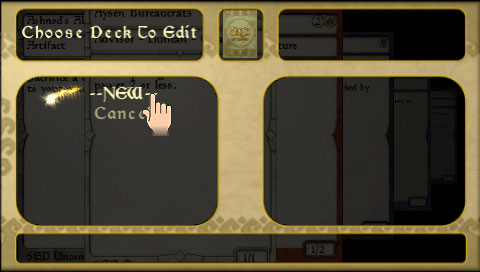
Press Esc to go back to Main Menu and check the Deck Editor.

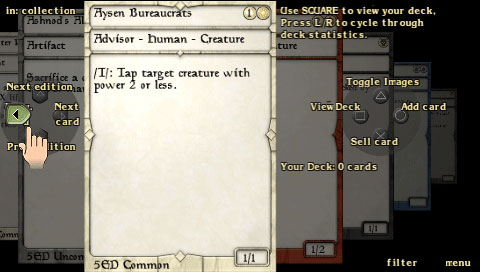
Press Left Arrow to see next card.

At top right corner, it displays the amount of cards at your disposal.
Press Up Arrow to view cards under different color/type category.
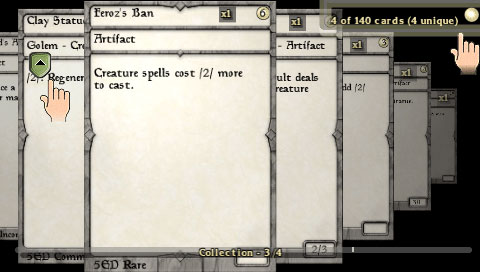
Generic cards
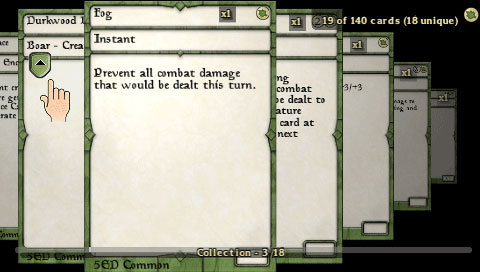
Green

Blue
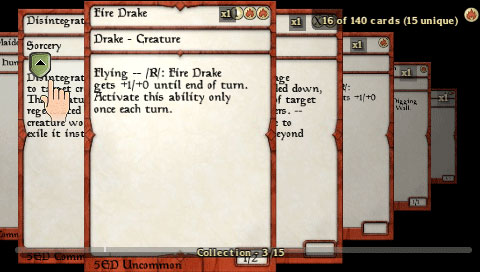
Red
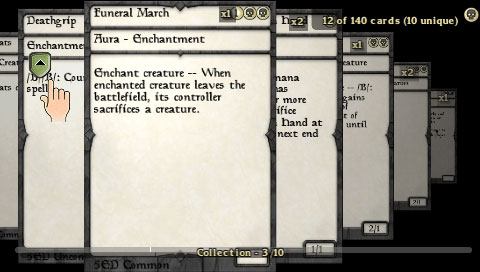
Black
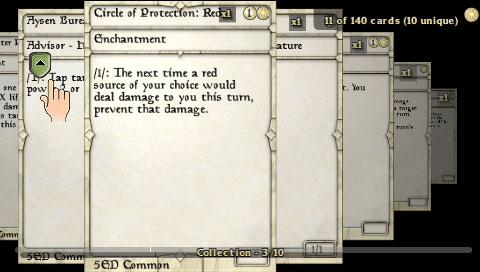
White
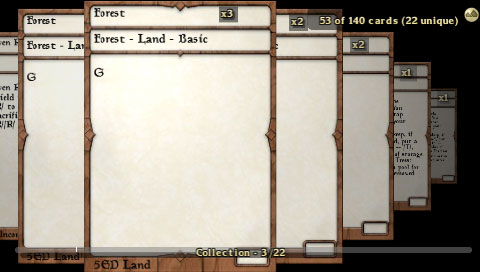
Land
The game is highly customizable. Feel your power by howling, "Let there be Image!"
Err... may be you are not that powerful yet.
Go to Wagic Forum: http://wololo.net/forum/
Under "User-Created Content", "Custom Cards and Images", you can find lots of threads concerning images pack.
Basically, PSP can handle only the standard size 200x286 images; while PC can handle HQ ones, say 480x680.
Look for: Optimized PSP Sets, HQ Image Pack...
There are over a hundred sets and images are zipped into folder with corresponding thumbnails.
Each will enable the respective edition of cards to show.
Take our 5th Edition as an example.
Download the 5ED.zip, go the Wagic game directory, open the "User" folder, click into "sets" folder.
CREATE A NEW FOLDER with same name of the zip, namely 5ED here. Put the zipped file there.
Run the game again and when you enter the Card Spoiler and Deck Editor...
Wolla!!!

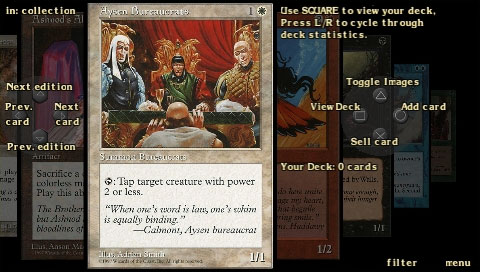
Pretty, pretty!
Great part of fun in the card game is building your own deck. But it could be a headache for those who enter the field recently.
Wagic is kind enough to provide some random preset hands for eager players.
This option, however, will vanish once you build your deck.
Page 01 of 01